Vector repair service
Vector File Cleanup and Repair
Already have a vector file that won’t behave? We clean up messy auto-traces, broken EPS files and overcomplicated artwork so it prints, cuts and edits the way it should.
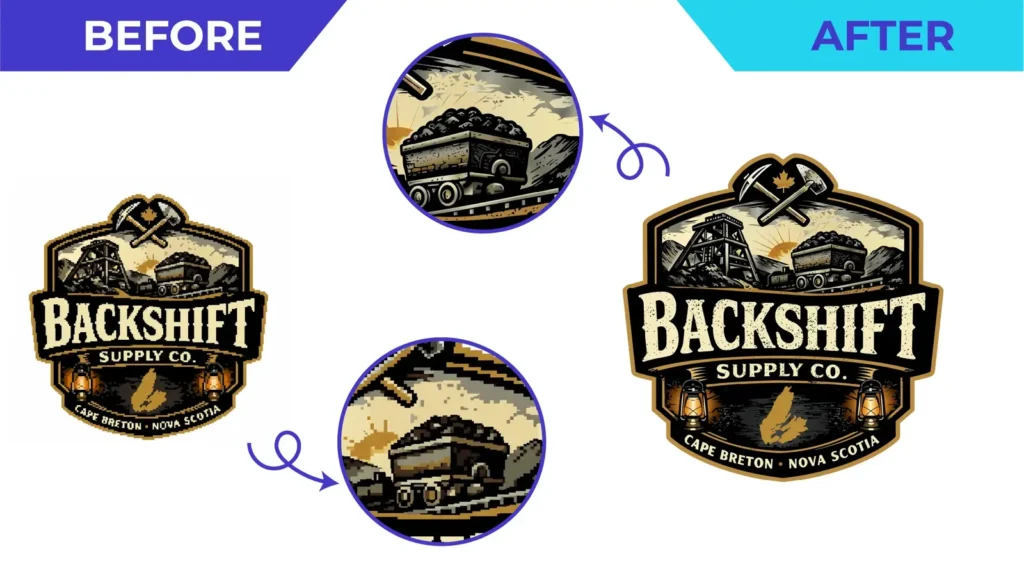
Badge logo · illustrated details and lettering redrawn for print
About vector file cleanup
Signs a vector file needs cleanup
Thousands of anchor points, wobbly curves, stray specks, overlapping duplicate shapes, open paths, missing fonts, embedded pixel images inside an “EPS”, or a cutter that stops halfway through a job.
What cleanup involves
Depending on the file, we redraw rough areas, reduce unnecessary nodes, merge and close shapes, remove hidden or duplicate objects, convert text to outlines where appropriate and organise colours and layers.
Cleanup or full redraw?
Some files only need tidying. Others, especially auto-traces of low-quality images, are faster and better to redraw from scratch. We review your file and recommend the most sensible option in your quote.
Prepared for the next step
Tell us what went wrong and where the file is going, whether that’s a printer, a cutter or an embroiderer’s digitizing software, and we’ll prepare it for that step.
Before & after
Relevant Before & After Work
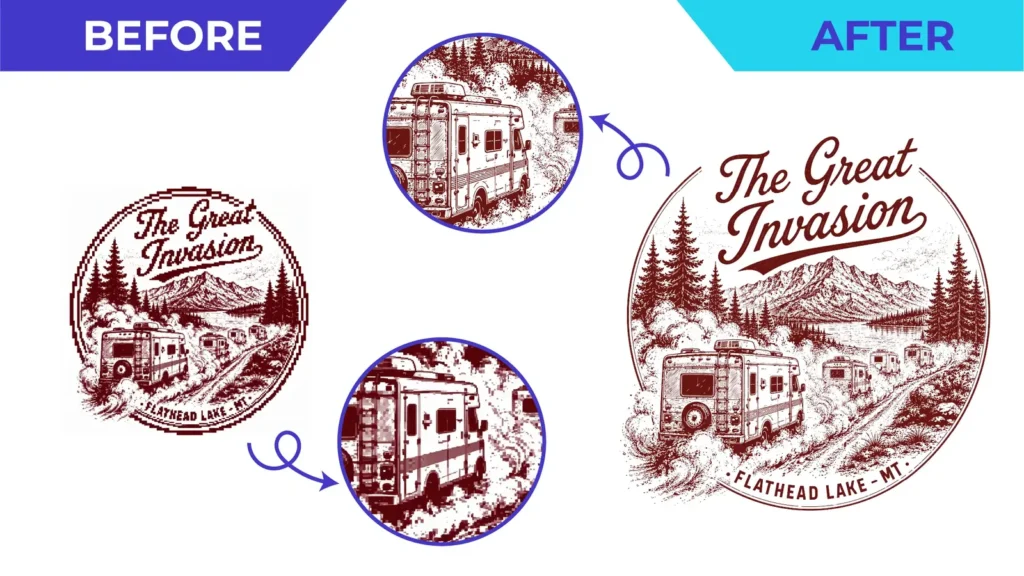
Real client artwork: the file we received and the vector we rebuilt. The circles zoom in on the detail that changed.


Before you upload
What to Send Us
Not sure what you have? Upload it anyway. We review every file before quoting and tell you if anything is missing.
Helpful to include
- The vector file (AI, EPS, SVG, PDF, CDR or DXF)
- A preview image, in case the file doesn’t open correctly
- What is going wrong: a printer error, cutting problem or editing issue
- Where the file will be used next
- Your deadline
Why Vector By Hand
Why Send Us Your Problem Files
- Honest advice: cleanup or redraw
- Excess nodes reduced, curves smoothed
- Open paths closed and overlaps removed
- Fonts outlined and colours organised
- Checked against your production requirements
How it works
From Bad Artwork to Production Ready
 Upload Send the best artwork you have, even if it is blurry, tiny, scanned or photographed.
 We Review It We assess complexity, intended use and required formats before quoting.
 We Rebuild It A vector specialist manually reconstructs the artwork with clean, controlled geometry.
 You Review It Check the proof and request corrections within the agreed project scope.
 Production-Ready Delivery Receive organized vector files prepared for the intended application.
Portfolio
More Finished Work
A selection of finished vector artwork from our portfolio. Click any image to view it larger.
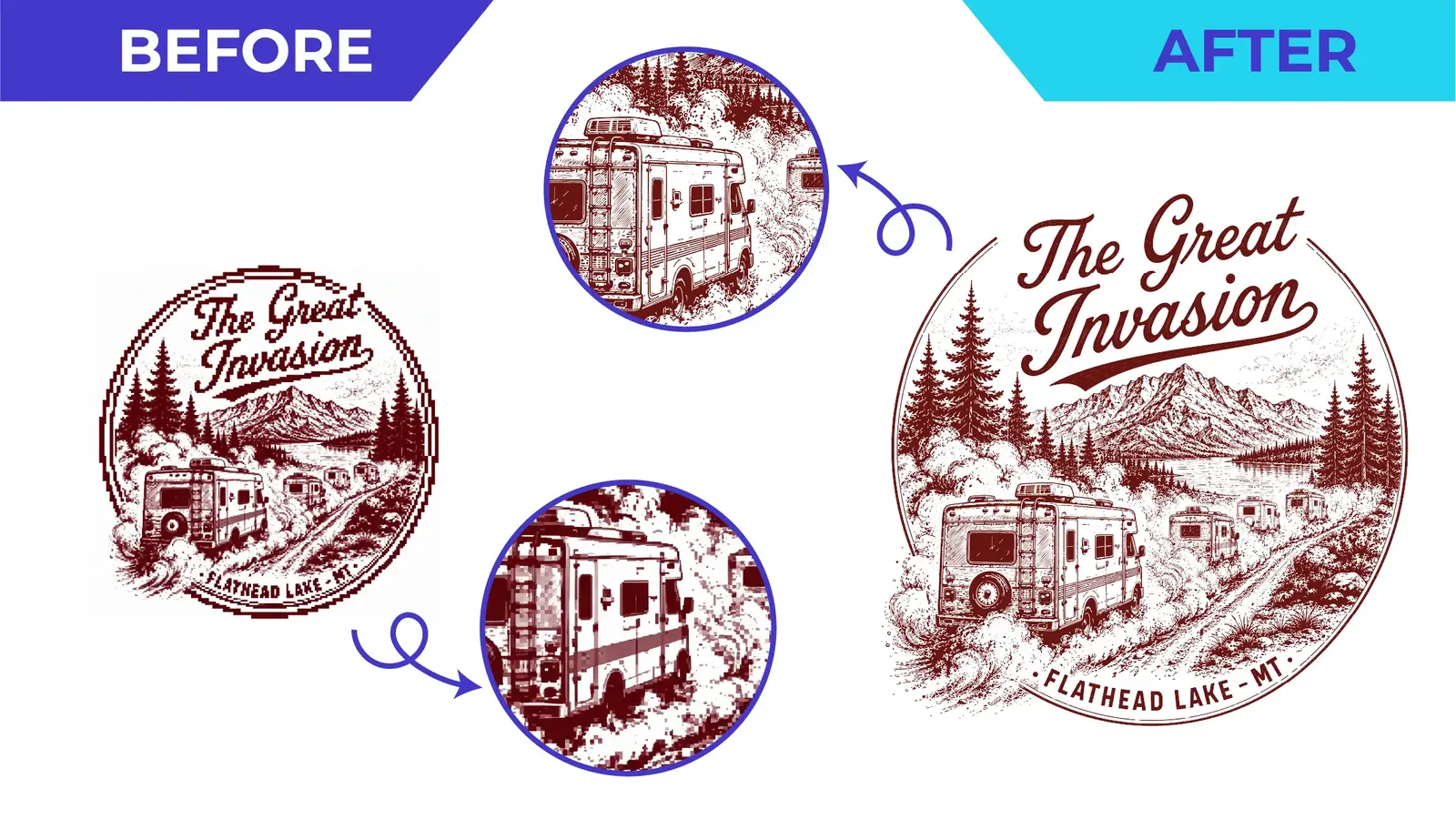
Single-colour illustrationBefore & after · Line Art & Engraving 
Photo to line artBefore & after · Line Art & Engraving 
Storefront facade line artLine Art & Engraving 
Winged creature line artLine Art & Engraving 
Bridge and instruments illustrationLine Art & Engraving 
Carved totem line art, detailedLine Art & Engraving


FAQ
Vector File Cleanup: Common Questions
Straight answers before you upload. More questions are answered on the full FAQ page.
My file is an EPS, so isn’t it already vector?
Not always. EPS and PDF files can contain embedded pixel images. If yours does, it needs a redraw rather than a cleanup. We check and let you know.
Why does my cutter or laser struggle with this file?
Common causes are open paths, overlapping duplicates, thousands of tiny segments from auto-tracing, or text that isn’t outlined. Cleanup addresses these.
Can you edit the design while cleaning it?
Small corrections within the brief are fine. New design work or significant changes are quoted separately, as described in our terms.
What if you can’t open my file?
Send a PDF or image preview as well. If the file is damaged, we can redraw the artwork from the preview.
Learn more
Helpful Guides
Send the File You Have
Upload your artwork, tell us where it will be used, and we’ll reply with the scope, price and delivery estimate.
No obligation. Your files are used only to review and quote your project.
JPGPNGPDFScreenshotsScansPhotos