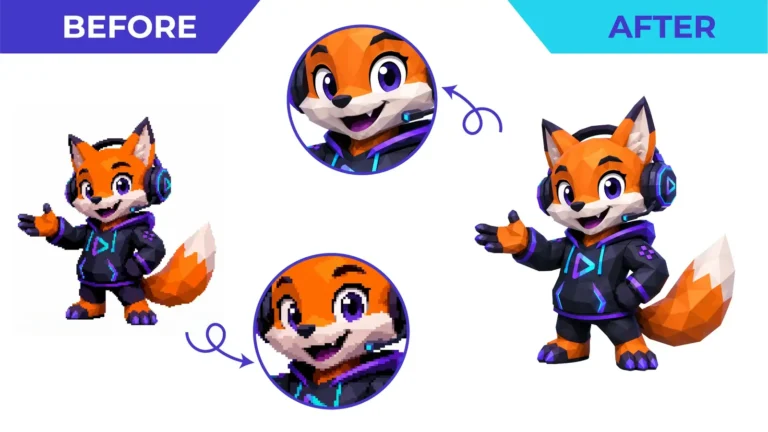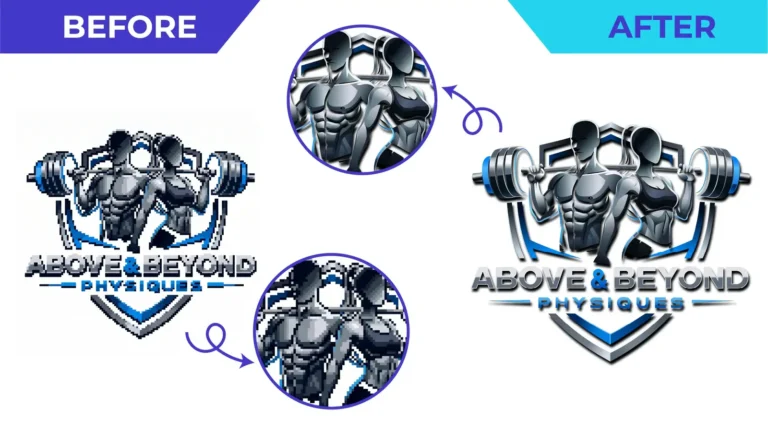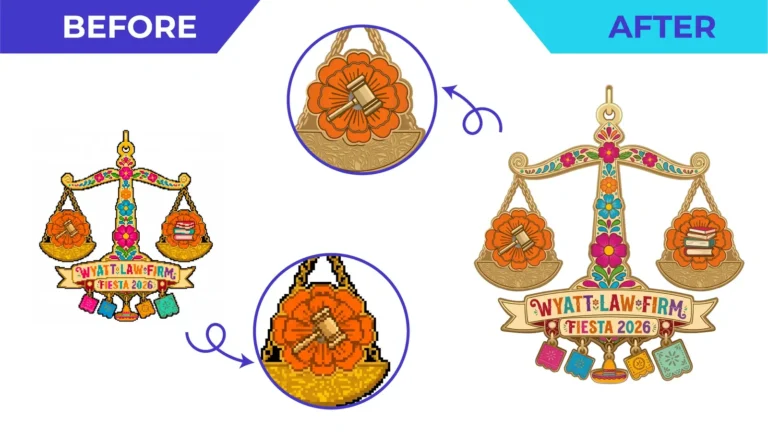
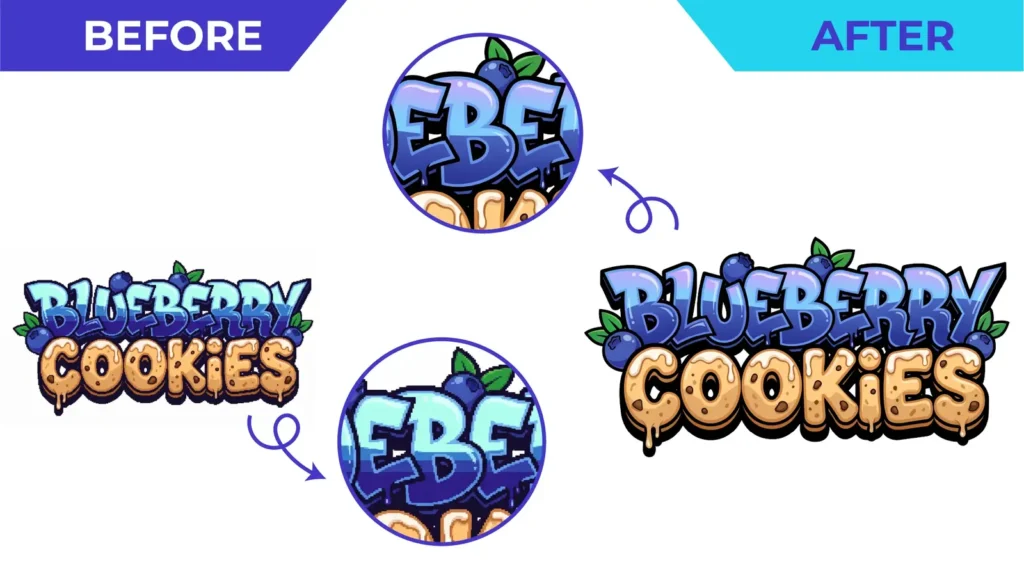
Short answer: most logos people have on hand, such as JPG and PNG files, screenshots and scans, are raster images made of a fixed grid of pixels. When you enlarge them, each pixel simply gets bigger, so edges turn soft and blocky. Vector artwork stores shapes as mathematical paths, so it can be redrawn sharply at any size. To fix a blurry logo permanently, it needs to be rebuilt as vector artwork.
What is a raster image?
A raster image is a grid of coloured squares called pixels. Photos, screenshots, scans, JPG, PNG, GIF and WEBP files are all raster. A logo that is 500 pixels wide has exactly that much information. Enlarge it for a banner and the software has to invent the missing pixels, which produces blur, jagged stair-step edges and colour fringes.
Repeated saving makes it worse. JPG compression throws away detail each time a file is re-saved, which is why a logo forwarded by email many times often looks muddy.
What is vector artwork?
Vector artwork describes shapes with points (anchor points) joined by straight lines and curves. Instead of storing millions of pixels, the file stores instructions such as “draw a smooth curve from here to here and fill it with this colour”. Because the instructions do not depend on size, the same file prints sharply on a pen or a building.
Common vector formats are AI, EPS, SVG and PDF. Our guide to choosing between AI, EPS, SVG and PDF explains which one to use.
Raster vs. vector at a glance
| Raster (JPG, PNG) | Vector (AI, EPS, SVG, PDF) | |
|---|---|---|
| Made of | Pixels | Paths and shapes |
| Enlarging | Becomes blurry or pixelated | Stays sharp |
| Best for | Photos and on-screen previews | Logos, icons, type and production artwork |
| Editing colours and shapes | Difficult | Straightforward |
| Accepted by printers and sign makers for logos | Often rejected | Usually preferred |
“Can’t I just upscale it?”
AI upscalers and resampling tools can make a small image look smoother on screen, and they can be a helpful reference. But the result is still a raster image, and the software may invent details that were never in your logo. For production work you still need clean vector paths.
Is saving as PDF or SVG enough?
No. Placing a JPG inside a PDF, EPS or SVG does not convert it to vector. It simply wraps the pixels in a new file type. A quick test: zoom in to 800%. If the edges break into squares, it is still raster.
How to turn a raster logo into vector
There are two routes:
- Automatic tracing asks software to convert pixels into shapes. It is quick but follows the blur and noise of a poor source. Read manual vs automatic tracing for the trade-offs.
- Manual redraw rebuilds the logo with deliberate paths, using the image only as a reference. This is the dependable option for logos, lettering and anything going to production.
Our raster to vector conversion service handles JPG, PNG, screenshots, scans and photos of signage. Send the clearest version you have and tell us how you plan to use it.
Upload your logo for a free quote
Need This Done Properly?
Upload your artwork, tell us how it will be used, and get a free, no-obligation quote.