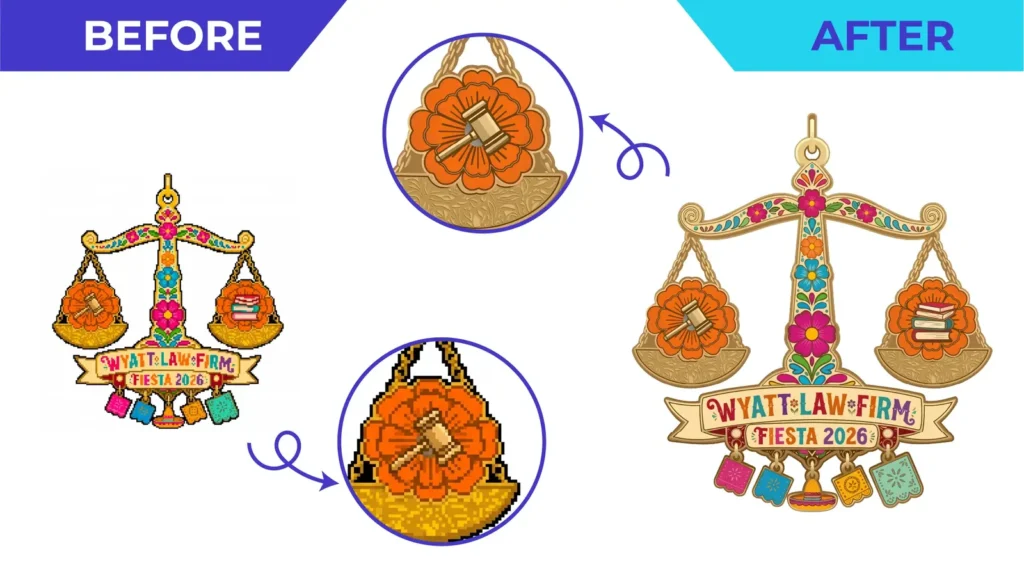
Short answer: send a vector master file (AI, EPS or PDF with real vector shapes), colour references, outlined text or the fonts, the finished size and quantity, and confirm the printer’s own file requirements before you send anything.
Before you send: ask the printer five questions
Every printer, sign maker and decorator works slightly differently. Ask:
- Which file formats do you accept?
- Which colour mode or spot colours should I use?
- Do you need bleed or safe margins, and how much?
- Should text be outlined?
- What are your minimum line and text sizes for this process?
Their answers are the brief for your artwork. Keep them.
The checklist
Files
- A true vector master. Check with the zoom test in how to tell if a file is really vector.
- The specific format they asked for (often PDF, AI or EPS)
- A PNG or JPG preview, so they can see what the file should look like
Colour
- CMYK values for full-colour print
- Spot colours (for example Pantone) where brand colours must match or for screen printing
- A note if you need a physical colour proof. See CMYK, RGB and Pantone explained.
Text
- Text converted to outlines, or the font files supplied if the printer needs live text
- Spelling checked one last time, because reprints are expensive
Size and layout
- Finished size, with units
- Bleed and safe margins as specified
- Placement notes for apparel, vehicles or products
Job details
- Quantity, material and finish
- Deadline, including delivery time
- Contact details for questions
Common problems that delay jobs
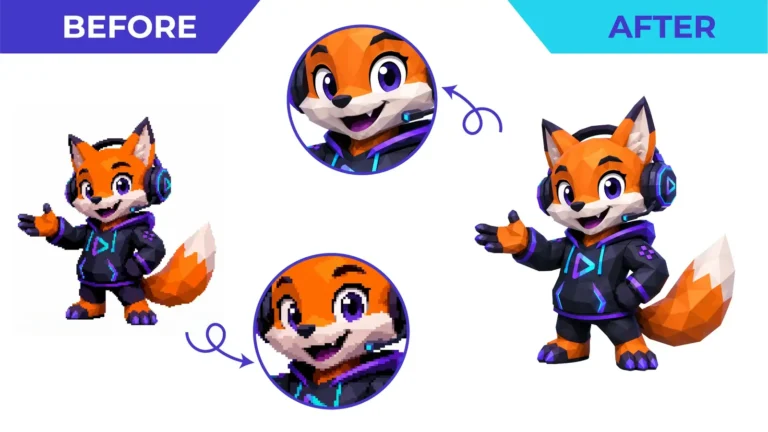
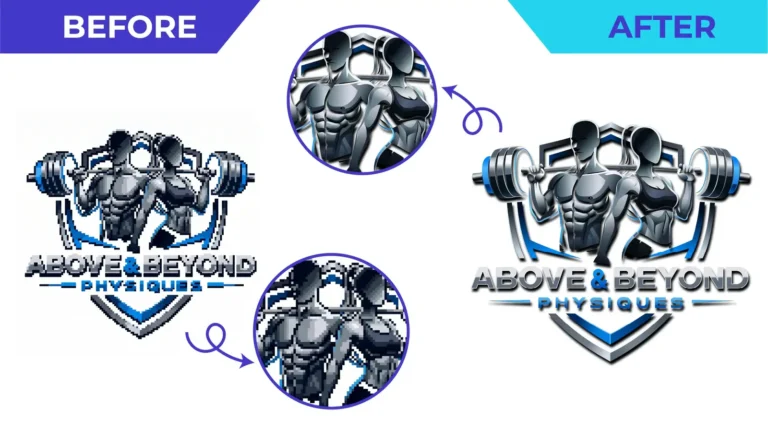
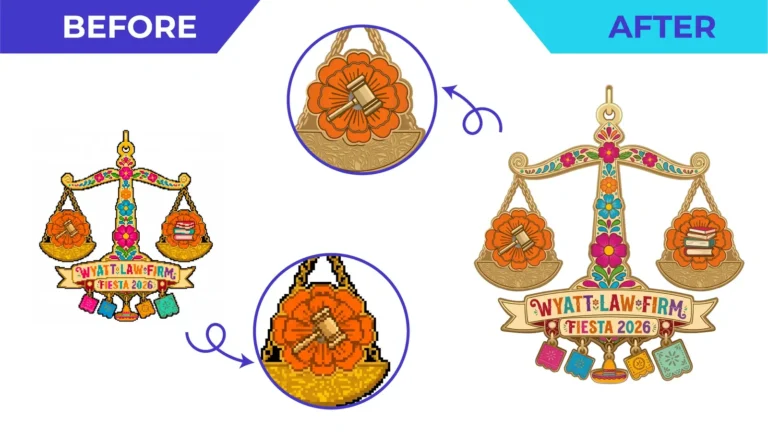
- “This is a JPG inside a PDF.” The printer can’t scale it. Solution: a vector redraw.
- Missing fonts: text changes appearance on their system. Solution: outline text.
- RGB colours for print: colours shift when converted. Solution: provide CMYK or spot references.
- Too much fine detail: thin lines or tiny text won’t reproduce. Solution: simplify for the final size.
- No bleed: white edges after trimming. Solution: extend the background past the trim line.
Let us prepare it
If your logo or artwork isn’t ready for print, send it with the printer’s requirements. We’ll redraw or prepare it to that brief. See print-ready vector artwork, or read the full artwork preparation guide.
Need This Done Properly?
Upload your artwork, tell us how it will be used, and get a free, no-obligation quote.