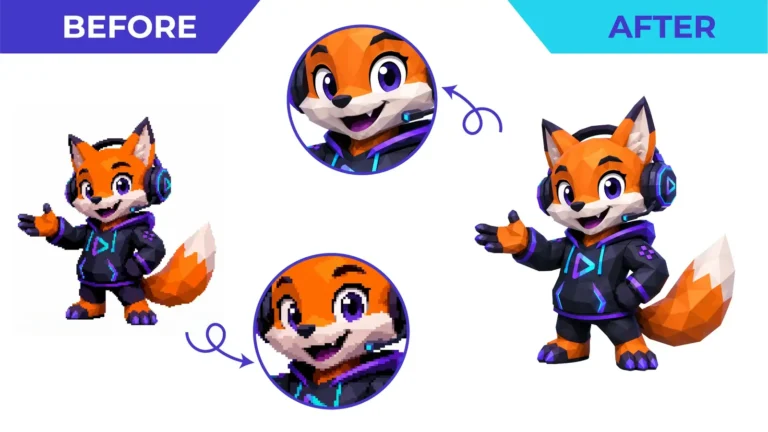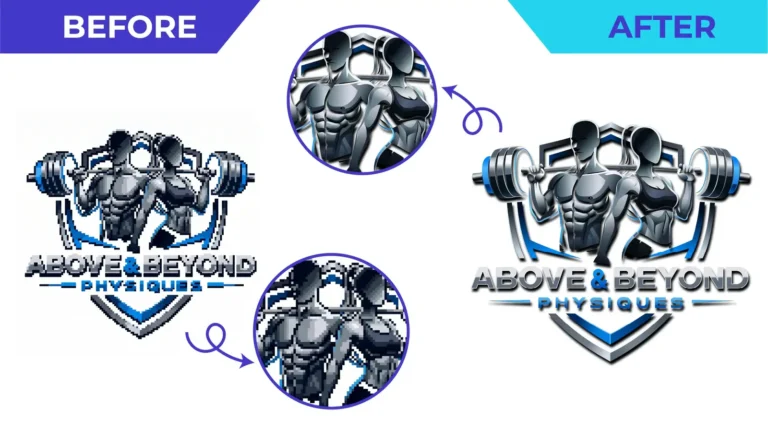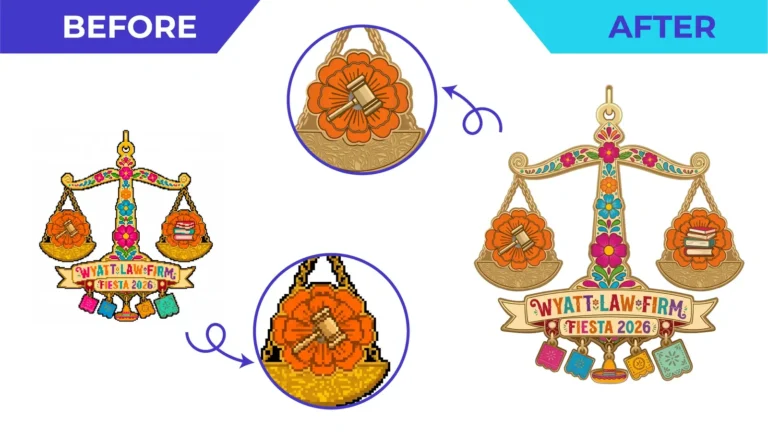
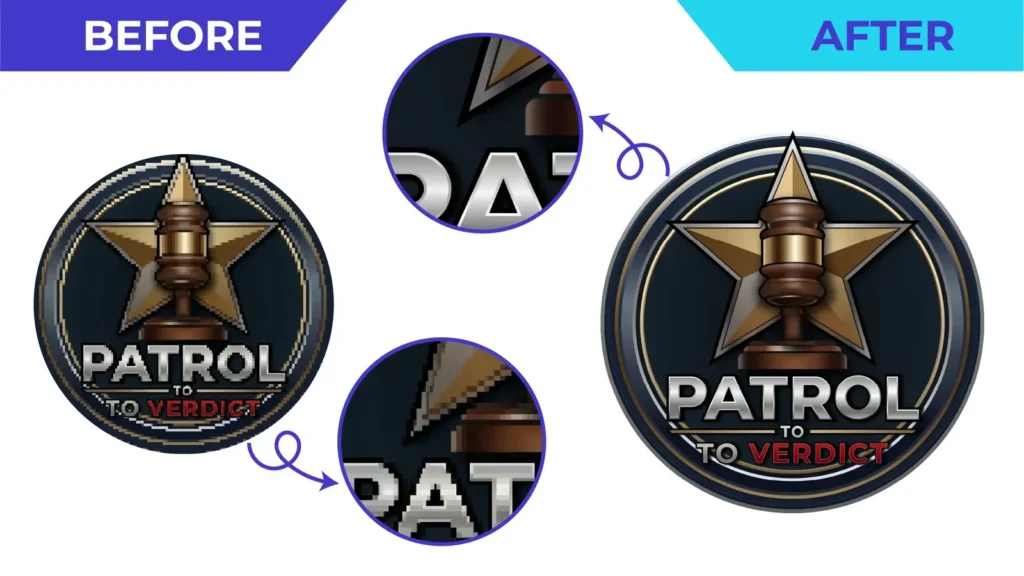
Short answer: a screenshot is usually enough to recreate your logo as a clean vector file, as long as the main shapes and lettering are readable. The logo is redrawn by hand using the screenshot as a reference. The pixels are not simply “converted”.
Why this happens so often
Logos get designed once and then passed around for years. The designer moves on, an email account closes, a computer is replaced, and all that’s left is the logo on the website, a social media profile picture or a photo of the shop sign. Then a printer asks for a vector file, and nobody has one.
Step 1: find the best possible source
Before redrawing anything, gather every version you can find. The best reference is the largest and least compressed:
- The logo image from your website. Right-click and open the image itself, rather than taking a screenshot of the page.
- Old email signatures, invoices or letterheads saved as PDF. These sometimes contain the original vector.
- Social media cover images, which are often larger than profile pictures
- Printed items: business cards, brochures and packaging. A flat, well-lit photo or scan can show details a small screenshot can’t.
- Photos of signage or vehicles, taken straight on and in good light
Send them all. Different versions often show different details clearly.
Step 2: check whether you have a vector file already
Ask the printer who last printed your business cards or signs; they sometimes keep files. Search your email for attachments ending in .ai, .eps, .pdf or .svg. Then check them with the zoom test in how to tell if a file is really vector.
Step 3: have it redrawn, not auto-traced
Online converters will happily turn a screenshot into an SVG, but they trace the blur and compression too, giving wobbly edges and extra points. A manual logo redraw rebuilds the intended shapes with clean curves, consistent line weights and properly reconstructed lettering.
What a redraw can and can’t recover
Can: clean shapes, sharp edges, accurate proportions, reconstructed lettering, colours matched to the reference or your brand values.
Can’t: details that are simply not visible in any source. If a tagline is three blurry pixels high, it can’t be read. A good redraw service will tell you this and ask, rather than invent something. Supplying a printed sample or the exact wording solves most of these cases.
Step 4: get the right files back, and keep them
Ask for an editable master (AI or PDF), plus EPS, SVG and PNG exports. The vector file formats guide explains what each is for. Then store them somewhere permanent, such as cloud storage and a second backup, and share them with anyone who prints for you. You should never need to go through this again.
Ready to start?
Upload the screenshot and any other versions you found, tell us what the logo will be used for, and we’ll review it and send a quote. If something isn’t readable, we’ll tell you before we start.
Need This Done Properly?
Upload your artwork, tell us how it will be used, and get a free, no-obligation quote.