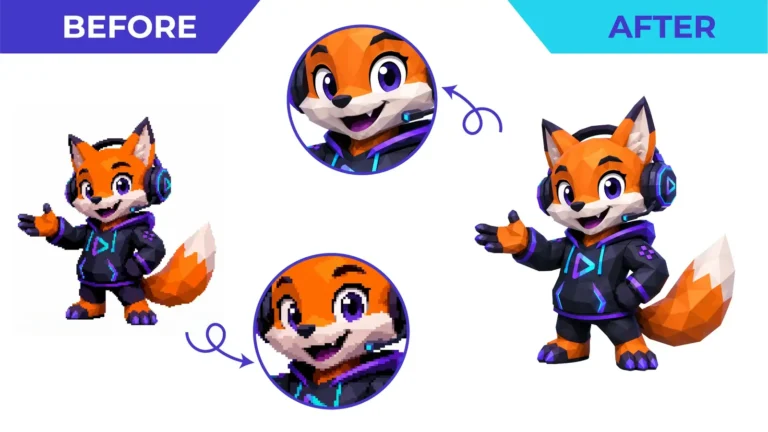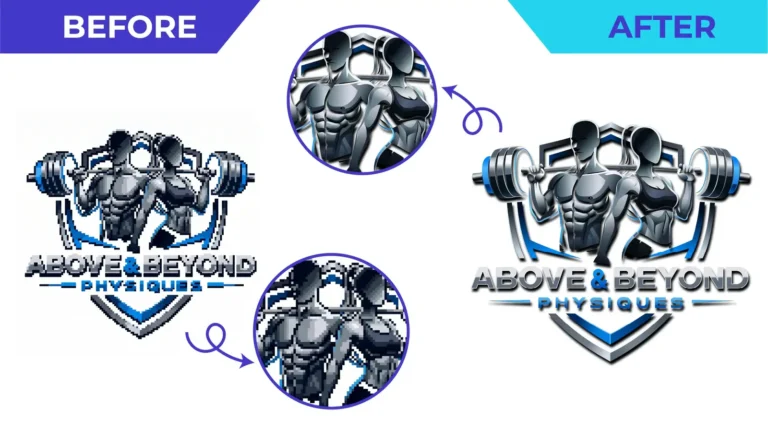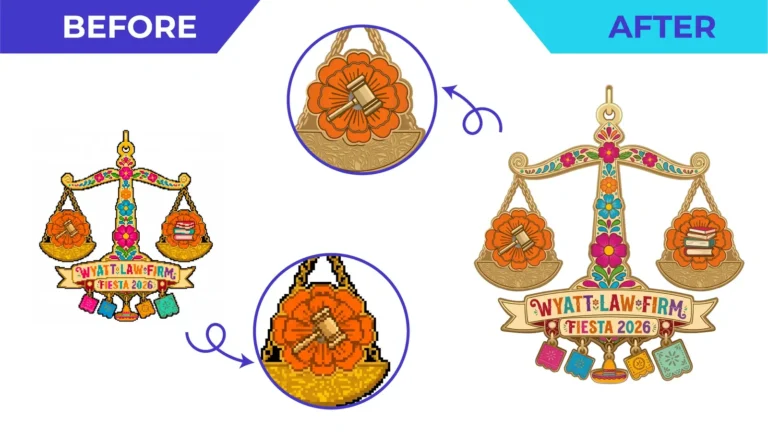
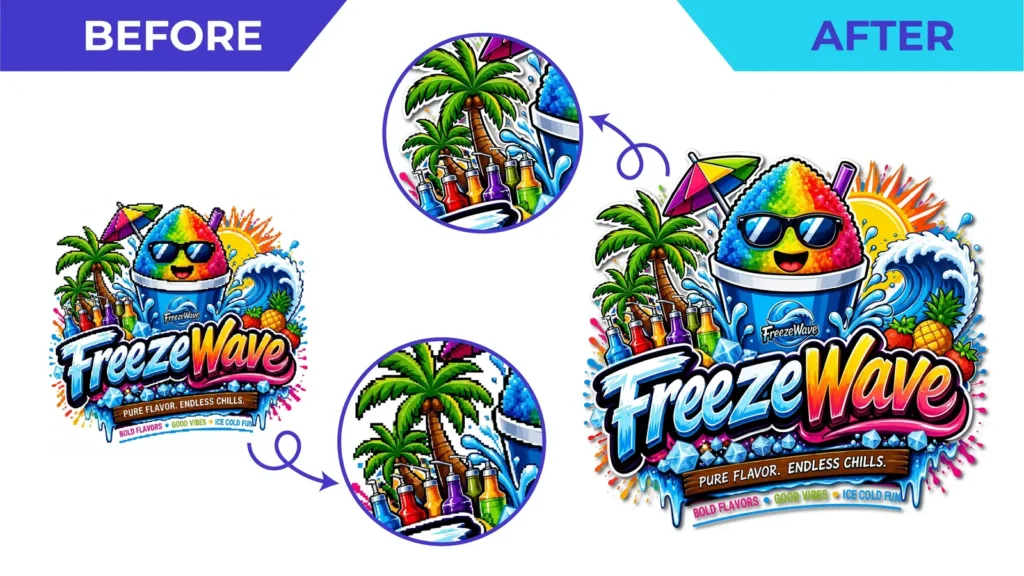
Short answer: AI image tools produce raster images, not vector files. To print, embroider, cut or scale an AI-generated logo reliably, it needs to be redrawn as vector artwork. A careful redraw also fixes the inconsistencies AI images often contain.
What AI image tools actually give you
Tools such as Midjourney, DALL·E or the image features in chat assistants generate pictures: grids of pixels at a fixed size. Even when the result looks like a clean logo, it has the same limits as any JPG or PNG. It goes soft when enlarged, it has no editable shapes, and it can’t be used directly by vinyl cutters, laser engravers or most print workflows that ask for vector files.
Common problems in AI-generated logos
Look closely at an AI logo at full size and you’ll often spot:
- Garbled or misspelled lettering, or letters that are almost but not quite consistent
- Uneven symmetry: shields, badges and icons that are slightly lopsided
- Inconsistent line weights and outlines that thicken and thin randomly
- Soft gradients, glows and textures that don’t reproduce well in screen printing or embroidery
- Tiny decorative details that vanish at business-card size
None of these are obvious in a small preview, and all of them show up in production.
Why auto-tracing an AI logo rarely works
Running the image through an automatic vectorizer turns every one of those quirks into permanent paths, together with soft edges and thousands of extra points. You get a vector file, but not a usable one. See manual tracing vs auto trace for the difference.
What a manual redraw fixes
A designer uses the AI image as a reference and rebuilds it:
- Lettering rebuilt from the correct text, matched to a suitable font or redrawn by hand
- Symmetry corrected and curves balanced
- Consistent line weights and clean, closed shapes
- Gradients and effects kept, simplified or converted to flat colours, depending on how the logo will be used
- A full file set exported: editable master, EPS, SVG, PDF and PNG
Where a change affects the look, such as simplifying a texture, the designer should agree it with you first. The goal is your design, made production-ready, not a new design.
Plan for how the logo will be used
If the logo is going on shirts, caps, vehicle wraps or signs, say so up front. Embroidery and screen printing usually need simpler shapes and fewer colours than a screen image. Our artwork preparation guide covers each process.
A note on ownership
Whether an AI-generated design can be registered or protected depends on where you are and how it was made, and the rules are still developing. If ownership matters to your business, take legal advice. A vector redraw doesn’t change the legal position.
Get your AI logo production-ready
Send the highest-resolution version of the image, the exact business name and any tagline, and tell us where the logo will be used. See our AI logo to vector service for details, or upload it for a free quote.
Need This Done Properly?
Upload your artwork, tell us how it will be used, and get a free, no-obligation quote.