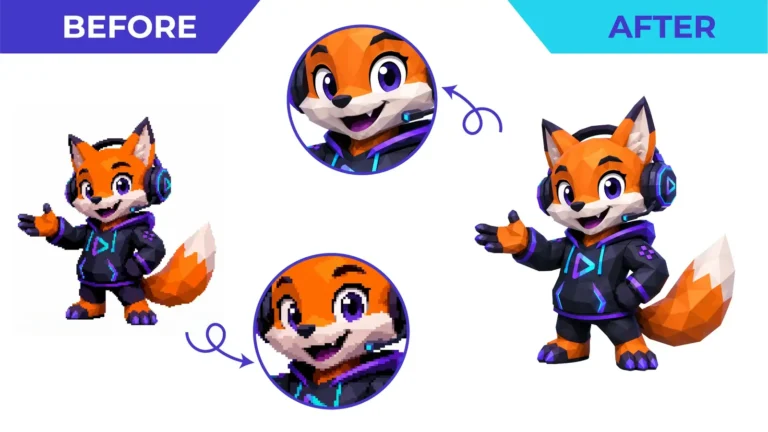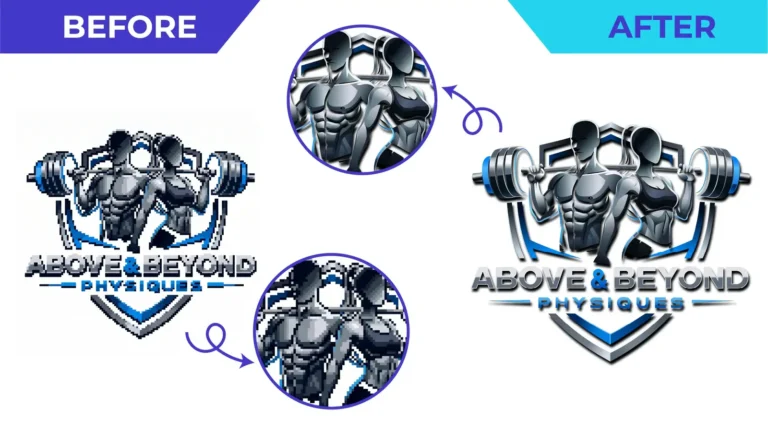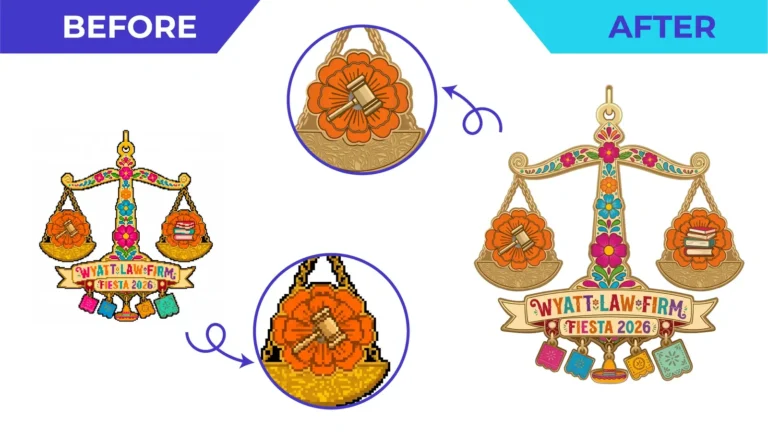
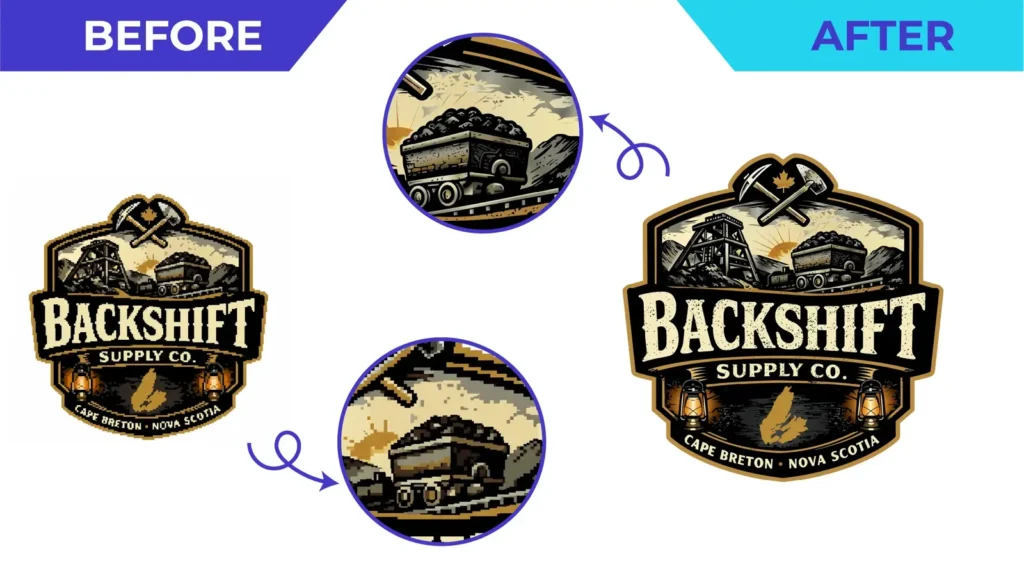
Short answer: do not stretch the small image. Collect the best reference you can find, decide how and where the logo will be printed, and have it manually redrawn as vector artwork. Then check the proof carefully and confirm the printer’s file requirements before production.
Why low-resolution logos fail in print
Screens are forgiving. A 300-pixel-wide logo can look acceptable on a website, but printers need far more information. Enlarging a raster image does not add detail. The software can only guess at the missing pixels, so edges become soft, jagged or blocky. Lettering fills in, thin lines break up and colours drift.
Printers, sign makers, embroiderers and engravers usually ask for vector artwork because vector paths can be scaled to any size and keep their sharp edges.
Step 1: find the best source you can
Before anyone redraws anything, look for a better starting point. Ask your previous designer, agency or printer whether they still hold the original files. Search old emails for attachments such as AI, EPS, PDF or SVG. Check your website, social media profiles, letterheads and old print PDFs.
If none of these exist, gather several references: the largest image you can find, a photo of signage or printed material, and any colour references. More references reduce guesswork.
Step 2: understand what a redraw can and cannot do
A manual vector redraw can:
- rebuild clean, sharp edges and smooth curves;
- restore symmetry, alignment and consistent line weights;
- recreate lettering, or match it to an approved font;
- separate colours into clean areas and apply specified colour values;
- produce a master file that scales to any size.
What a redraw cannot do is recover information that is not visible. If a tagline is three blurred pixels high, the artist cannot know the exact words or letterforms. A responsible studio will flag those areas and ask you, rather than inventing detail. This is why references and your knowledge of the brand matter.
Step 3: define the intended use
The same logo may need different preparation for different jobs. Tell your vector artist:
- The process: digital print, offset, screen printing, embroidery, vinyl cutting, engraving or signage.
- The size: a business card and a building sign have different practical requirements.
- The colours: HEX for screens, CMYK for print, or Pantone spot colours if your brand uses them.
- Any limits: a maximum number of screen-printing colours or minimum line thickness, for example.
Our print-ready vector artwork service is built around this brief.
Step 4: check the proof properly
When you receive a proof, compare it with your references at a large zoom level. Check:
- spelling, punctuation and lettering shapes;
- proportions and spacing;
- colours, remembering that screens do not show print colours exactly;
- small details at the smallest size the logo will be printed.
Ask for corrections within the agreed scope before approving. Approving a proof that contains an error usually means paying to fix it later.
Step 5: confirm the printer’s specifications
Final validation belongs with the company producing the job. Before sending files, confirm their preferred format, colour mode, bleed and any technical limits. If you are unsure which format to request, read our guide to AI, EPS, SVG and PDF files.
Keep your new master file safe
Once you have clean vector artwork, store it somewhere permanent, share it with your team, and keep the editable master (usually AI) as well as print-ready PDF and web-friendly SVG and PNG versions.
Have a blurry logo you need to print? Upload it for a free quote. We will review the file, your intended use and your deadline before quoting. See also our logo redraw service.
Need This Done Properly?
Upload your artwork, tell us how it will be used, and get a free, no-obligation quote.